
A real estate chatbot is only as good as its script. The software can answer at any hour, but what it asks, in what order, and when it stops and passes the lead to a person decides whether the conversation ends in a booked call or a closed browser tab. This post gives you example scripts you can copy and adapt: a seller qualification script for investors, a buyer script for agents, an after-hours script, and the handoff rules that tie them together.
It is written for investors, wholesalers and agents who already have a website, ads or text campaigns bringing in leads. If you are still deciding whether a chatbot fits your business at all, read our real estate AI chatbot guide first. This post stays on the scripts.
What Makes a Good Real Estate Chatbot Script
Good scripts share a few habits, whether they run on a website chat window, an SMS bot or an AI voice agent:
- One question at a time. A wall of questions feels like a form. A single question feels like a conversation.
- The easiest question first. For sellers that is usually the property address. For buyers it is the area they want to live in.
- Plain words. "What shape is the house in?" works better than "Please describe the property condition."
- A clear goal. Every script should end with a booked call, a booked showing, or a handoff to a person. Collecting information and then saying "someone will be in touch" wastes the moment.
- Honest about being a bot. Tell people they are chatting with an automated assistant and offer a person whenever they ask.
The scripts below follow these habits. Swap in your company name, your market and your calendar link.
Seller Qualification Script for Investors
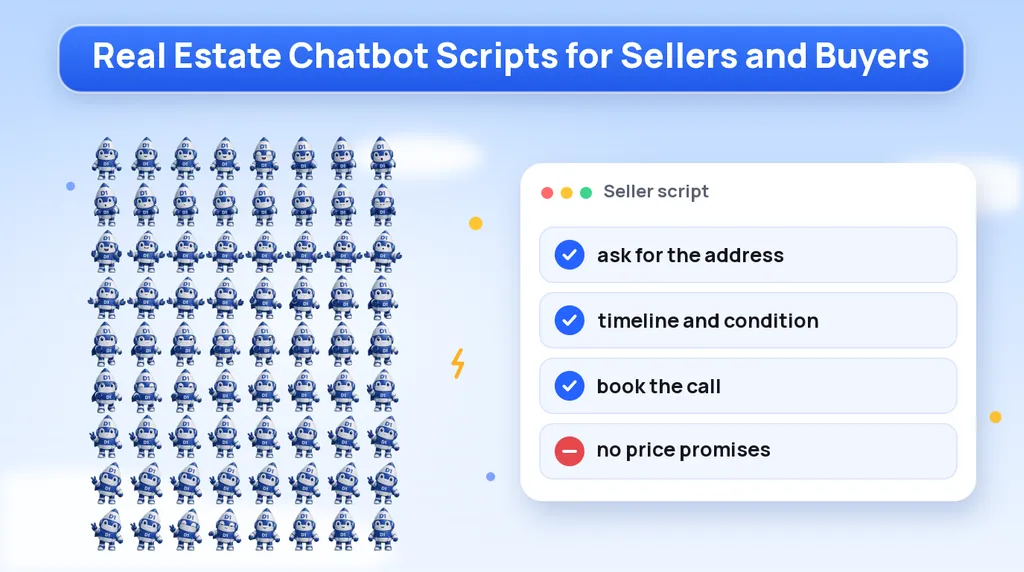
This is the script investors use most. It collects the five facts your acquisitions rep needs (address, timeline, condition, reason for selling and price expectation) and books a call. It never makes an offer.
| Step | Bot says | What you learn |
|---|---|---|
| Greeting | "Hi, this is the assistant for [Company]. I can help you get started on an offer for your property. What's the address?" | Property address |
| Timeline | "Thanks. How soon are you hoping to sell? Within a month, a few months, or just exploring?" | Urgency |
| Condition | "What shape is the house in? Move-in ready, needs some work, or needs a lot of work?" | Repair level |
| Reason | "Can I ask what has you thinking about selling? For example moving, an inherited house, tenants, or something else." | Motivation |
| Occupancy | "Is anyone living there right now? You, tenants, or is it vacant?" | Access and situation |
| Price expectation | "Do you have a price in mind, or would you like us to put together a number for you?" | Expectation, without the bot reacting to it |
| Book the call | "Thanks, that's everything I need. The next step is a short call with [Name], who will go over your options. Here are some open times: [slots]. Which works best?" | Booked appointment |
| Confirm | "You're booked for [day, time]. [Name] will call you at this number. Reply here if anything changes." | Confirmed contact |
Notice what the bot does with the price expectation: nothing. It records the answer and moves on. It does not say whether the number sounds reasonable, and it does not hint at what you might offer. That conversation belongs to a person who has looked at the property.
If a seller skips a question, let them. A booked call with three of the five answers is far better than a seller who leaves because the bot insisted.
Buyer Script for Agents
Agents get buyer inquiries from listing pages, ads and portals at every hour. A buyer script should figure out where the buyer is in the process and get them to a showing or a call with the agent.
- Bot: "Hi, I'm the assistant for [Agent or Team]. Are you asking about a specific home, or looking in general?"
- Buyer: "The one on Oak Street."
- Bot: "Great choice to ask about. Would you like to schedule a showing, or do you have questions about the home first?"
- Buyer: "Maybe a showing this weekend."
- Bot: "I can help with that. Are you working with an agent already?"
- Buyer: "No."
- Bot: "Thanks. Have you spoken with a lender yet, or would you like a referral?" (Ask only if this fits the agent's process.)
- Buyer: "I'm pre-approved."
- Bot: "Perfect. [Agent] has these times open this weekend: [slots]. Which works for you?"
- Bot, after booking: "You're set for [day, time]. [Agent] will text you before the showing to confirm."
If the buyer already has an agent, the bot should say thanks, offer to pass along their details, and not try to book them. If the buyer asks about a home that is under contract or off the market, the bot should say so plainly and offer similar listings or a call with the agent.
After-Hours Script
Leads arrive at night and on weekends, and that is where a chatbot earns its keep. Our speed-to-lead guide explains why answering quickly matters. The after-hours script is short: acknowledge the message, collect the basics, and either book a slot or set a clear expectation for the morning.
| Situation | Bot says |
|---|---|
| New message after hours | "Thanks for reaching out to [Company]. Our team is offline right now, but I can get you started. What's the property address?" |
| Basics collected | "Got it. Would you like to pick a time for a call tomorrow? Here are the open slots: [slots]." |
| Seller declines to book | "No problem. Someone from our team will reach out during business hours. Is this the best number?" |
| Missed call text back | "Sorry we missed your call to [Company]. This is our assistant. Are you calling about selling a property?" |
| Urgent request | "I understand this is time-sensitive. I've flagged your message for our team, and a person will contact you as soon as we're back." |
Do not let the after-hours bot pretend the team is available when it is not. Say who will follow up and when, then make sure your CRM puts the lead at the top of the morning list. An AI appointment booking bot can put the call straight on your calendar so nobody has to sort through overnight messages by hand.
Handoff Rules: When the Bot Passes to a Human
A chatbot should know when to step aside. Write these rules down before you launch, and build them into the bot's instructions:
| Trigger | What the bot does |
|---|---|
| The person asks for a human | Hand off right away, during hours, or book the first available call after hours |
| The person sounds upset, confused or distressed | Apologize, stop qualifying, and pass to a person |
| Questions about price, offers or what the house is worth | Say a team member will go over numbers on the call |
| Legal, tax, foreclosure or financial questions | Say it can't advise on that and suggest a qualified professional, then offer a call with the team |
| Anything outside the script | Log the question and pass it to a person instead of guessing |
| The person says stop | End the conversation and record the opt-out |
The handoff itself should be clean. The person who takes over should see the full conversation and every answer in the CRM, so the seller never has to repeat themselves.
What a Bot Must Never Say
A chatbot speaks for your business, so treat its words like your own marketing. These lines should never appear in a real estate script:
- Price promises. "We'll pay full market value" or "You'll get at least [amount]." Offers depend on the property, and only a person should discuss numbers.
- Guaranteed outcomes. "We can stop your foreclosure" or "We'll close by Friday, guaranteed."
- Legal, tax or financial advice. Whether to file bankruptcy, how a sale affects taxes, or what to do about a lien. The bot should point to a qualified professional.
- Pressure. "This offer expires tonight" or "Other buyers are about to grab it."
- Claims about people or neighborhoods that could run into fair housing rules, such as describing who lives in an area or who a home is "right for."
- Pretending to be human. If someone asks whether they are talking to a bot, the answer is yes.
Review transcripts regularly. If the bot drifts into any of these, tighten its instructions before the next lead sees it.
Running These Scripts Over SMS and Voice
The same scripts work on a website chat window, by text and through an AI voice agent, with small changes. Text messages need to be shorter. Voice scripts need to confirm details out loud, such as reading the address back. We build all three through our AI voice and SMS bot service, connected to one calendar and one CRM so the conversation continues wherever the lead replies.
Texting adds consent rules. Only text people who have given permission, include a way to opt out, and honor opt-outs immediately. Our TCPA-compliant SMS guide covers the details, and an attorney should review your consent wording before you send automated texts at scale. If you also want a bot to answer general phone calls for your office, our guide to an AI receptionist for small business covers that side.
Script Launch Checklist
- Write the seller, buyer and after-hours scripts with your company name, market and calendar link.
- Keep one question per message, and put the easiest question first.
- End every script with a booked call, a booked showing or a handoff.
- Write the handoff rules down and build them into the bot.
- Add the "never say" list to the bot's instructions: no prices, no guarantees, no legal or financial advice.
- Have the bot say it is an automated assistant and offer a person on request.
- Confirm consent and opt-out handling before any SMS goes out.
- Send every conversation and answer into your CRM.
- Read transcripts every week for the first month and adjust the wording.
Want a Chatbot That Follows Your Script?
We build AI chat, voice and SMS bots for real estate investors and agents, written around your questions, your calendar and your handoff rules. Book a call and we will draft a script for your market with you.
Or call us directly: (888) 330-1434.
D1TechCreative builds websites, paid traffic, CRM and AI automation systems for service businesses and real estate investors across the United States. Based in Fort Lauderdale, FL.