
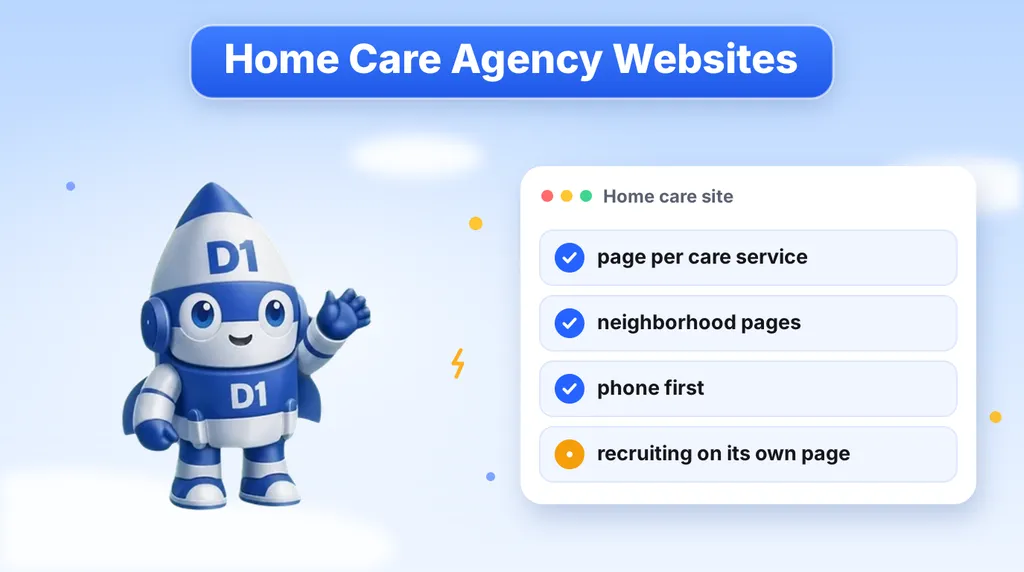
Most home care agency websites are one long page with a list of services, a stock photo of a smiling caregiver and a contact form at the bottom. That page may be fine for someone who already knows your name. It does very little for the person who types "dementia care near me" into Google at 11 at night. This guide covers how to build a home care agency website around the way families actually search: by service and by neighborhood.
It is written for agency owners and administrators who run a small or mid-sized home care business and want more inquiries from families, without turning the site into something cold or pushy. We cover service pages, neighborhood pages, local schema, the contact path, and where caregiver recruiting should live.
How Families Search for Home Care
The person searching is rarely the person who will receive care. It is usually an adult child, a spouse or a hospital discharge planner, and the search often starts after a fall, a diagnosis or a hard conversation. That changes what the website has to do.
- They are worried and short on time. They want to know quickly whether you offer the kind of help their family member needs and whether you serve their area.
- They search by need. "Companion care for seniors", "respite care", "personal care at home" and "dementia care" are different searches from different families.
- They search by place. "Home care in [neighborhood]" and "home care near me" both depend on whether Google believes you serve that area.
- They compare several agencies. Usually they open a few sites, skim each one, and call the one that feels clear and trustworthy.
A single "Services" page that lists everything in one paragraph cannot rank for all of those searches, and it cannot answer any of them well. Separate pages can.
Build One Page for Each Care Service
Give every care service you actually provide its own page. For most agencies that means a core set like this:
| Page | What the family wants to know |
|---|---|
| Companion care | What a visit looks like, how often, and whether it helps with loneliness, meals, errands and light housekeeping |
| Personal care | Help with bathing, dressing, mobility and hygiene, and how the caregiver handles dignity and privacy |
| Respite care | How a family caregiver can get a break, and how short-term or recurring respite is arranged |
| Dementia and memory care at home | How caregivers are trained, how routines are kept steady, and how the family stays informed |
| Other services you offer | Post-hospital support, overnight care, transportation or anything else you actually provide |
Only list services your agency really delivers and is licensed to deliver in your state. If a service has rules around who can perform it, say so plainly and do not stretch the wording. Your administrator or compliance contact should review the copy before it goes live.
Each service page should follow the same simple structure:
- A plain headline that names the service and the area you serve.
- Two or three short paragraphs on who the service is for and what a typical week looks like.
- A short list of what is included and what is not.
- How getting started works, step by step, so the family knows what happens after they call.
- Your phone number and a short inquiry form.
Write like you are explaining it to a worried relative, not like a brochure. Short sentences, no jargon, and no promises about outcomes. Families trust specifics: how the first visit is arranged, who answers the phone, how caregivers are matched.
Build Neighborhood Pages That Say Something Real
Neighborhood and city pages are how an agency shows up for "home care in [place]" searches. They are also the easiest part of a site to get wrong. The common mistake is to copy one page fifty times and swap the town name. Google can tell, and so can a family reading it.
A neighborhood page earns its place when it contains something specific to that area. Ideas that work without inventing anything:
- Which parts of the area you serve and how your caregivers are scheduled there.
- Local hospitals, rehab centers and senior communities you commonly coordinate around, only if that is true for your agency.
- Which services are most requested in that area, described in your own words from experience.
- A direct line that says the family can call and speak to a person who knows the area.
- Any real local detail: transit, climate, how far caregivers travel, the areas you do not cover.
Do not publish a neighborhood page for an area you do not serve. A thin page for a place you cannot staff only creates inquiries you have to turn away, and it weakens the pages that are honest.
To see this at scale, look at our Mary Angels Home Care project. It is a family-owned home care agency in Pittsburgh, and the site was given a 134-page service-and-neighbourhood footprint plus the schema Google needs to show them in the local pack. The principle is the same at any size: a page for each service, a page for each place, and a clear link between the two.
Connect Service and Neighborhood Pages
Service pages and neighborhood pages should link to each other, so a family (and Google) can see the whole picture. A good setup looks like this:
- Each service page links to the neighborhoods where that service is offered.
- Each neighborhood page links to the services available there.
- The footer and a "Where we serve" page link to every neighborhood page.
- A short "How care starts" page is linked from everywhere, so nobody has to guess what happens after the first call.
This internal linking is simple, but it is the part most small sites skip. Our guides on local SEO for service businesses and SEO for service businesses go deeper on how local pages and links work together.
Add LocalBusiness Schema So Google Understands You
Schema is code in the page that tells search engines facts in a machine-readable way: your business name, address, phone number, service area, opening hours and services. For a home care agency, the goal is to make sure Google can match your site to the right local searches and show your listing accurately in the local pack.
The basics to get right:
- LocalBusiness (or a more specific type) on the home page and contact page, with your legal business name, address, phone number and hours.
- Service area information, so Google knows which cities and neighborhoods you serve.
- Service markup on each service page, describing what the service is and who offers it.
- Consistency. The name, address and phone number in the schema must match your Google Business Profile and the footer of the site exactly.
Schema does not replace good pages. It supports them. And it only helps if what it describes is true and visible on the page. If you are not sure whether your current site has it, a technical review will tell you quickly. This is part of the work we do under SEO and search engine optimization.
Make the Contact Path Calm and Phone First
Home care inquiries are not impulse purchases. A family is often calling about a person they love, and many would rather talk than fill out a form. Design the contact path around that.
- Put the phone number first. It should be visible at the top of every page and tap-to-call on mobile.
- Say who answers and when. "A care coordinator answers Monday to Friday" is better than a bare number. If you have after-hours coverage, say so.
- Keep the form short. Name, phone number, who needs care and a short note is plenty. You can collect the rest on the call.
- Explain what happens next. A single line such as "We will call you back and set up a free in-home assessment" reduces hesitation, but only say it if it is true for your agency.
- Avoid pressure. No countdown timers, no fake scarcity. This is a decision families need time to make.
Speed still matters. A family that fills out three forms will usually go with whoever calls back with warmth and clarity first. If you cannot answer every call, an AI receptionist can pick up, answer common questions and pass urgent requests to a person. Keep the tone human and hand off to staff quickly when a family needs more than answers.
Keep Caregiver Recruiting on Its Own Page
Almost every home care agency is also hiring. That is a good reason to publish recruiting content, and a bad reason to mix it into the pages families use. A visitor looking for care for a parent should not have to scroll past "Now hiring caregivers" banners to find your phone number.
Give recruiting its own space:
- A separate "Careers" or "Join our team" page, linked from the footer and the main menu.
- Its own short application form, with its own notifications, so applications go to your hiring contact and family inquiries go to your care coordinators.
- Its own copy, written for caregivers: pay approach, scheduling, training and what a good fit looks like. Only state pay or benefits you actually offer.
- No recruiting banners on service or neighborhood pages.
Separating the two also makes your reporting honest. You can see how many family inquiries the site produces without applicants inflating the number.
Trust Signals That Belong on a Home Care Site
Families are handing you access to a loved one and to their home. The site should make it easy to feel confident, using only facts you can back up.
- Your license or registration details, as required in your state.
- A plain description of how caregivers are screened and trained, in your own words.
- Who owns and runs the agency. If it is family-owned, say so, and show real people.
- Real photos of your team rather than generic stock images, where you have permission.
- Reviews from real families, collected with permission, and never invented or edited.
- Clear privacy language, since families share sensitive details. Do not collect more health information on the form than you need.
Never write a testimonial or a statistic you cannot source. Honest and specific beats impressive and vague.
Check Speed and Mobile Experience
Many families will first see your site on a phone, sometimes in a hospital waiting room. Pages should load quickly, text should be easy to read, buttons should be easy to tap and the phone number should never be more than one tap away. A slow site built on a heavy theme and a stack of plugins loses these visitors before they read a word. If you are weighing a rebuild, our comparison of a custom website versus WordPress explains the trade-offs, and our smart websites and funnels service covers how we build for speed and clear paths to a call.
Home Care Website Checklist
Use this list to review your current site, or as a brief for a new build.
- One page for each care service you actually provide, with a clear headline and a next step.
- One page for each area you really serve, with something specific to that area.
- Service pages and neighborhood pages linked to each other, plus a "Where we serve" page.
- LocalBusiness and service schema that matches your Google Business Profile exactly.
- Phone number visible on every page, tap-to-call on mobile.
- A short inquiry form and a line that explains what happens after it is sent.
- Caregiver recruiting on its own page, with its own form and notifications.
- License details, team photos and real reviews, with nothing invented.
- Pages that load fast and read well on a phone.
- A weekly check that every inquiry received a call back.
If you want a partner to build it, we create service and neighborhood footprints, local schema and phone-first contact paths for home care agencies. See how it came together for Mary Angels Home Care, or read about our smart website approach to see how we would plan yours.
Want a Home Care Website Built to Get Found?
We build home care sites with a page for every service, local pages that say something real, and the schema Google needs for the local pack. Book a call and we will look at your current site and plan what to build first.
Or call us directly: (888) 330-1434.
D1TechCreative builds websites, paid traffic, CRM and AI automation systems for service businesses and real estate investors across the United States. Based in Fort Lauderdale, FL.